

The top of a real estate project website should make the development understandable, relevant, and easy to explore within a few seconds. It should tell the visitor what the project is, where it is, why it deserves attention, and what to do next. The first screen is not a miniature brochure. It is the beginning of a decision journey.
That distinction matters for developers in the UAE, KSA, USA, and Canada. An off-plan or pre-construction project often has no finished building to create confidence. The website has to establish the project story quickly, then earn the visitor's willingness to scroll, compare residences, request pricing, or speak with sales.
Above the fold is a priority zone, not a fixed pixel height
“Above the fold” means the part of the page visible without scrolling. The exact boundary changes with screen size, browser chrome, orientation, accessibility settings, and device behavior. The principle remains useful because people pay more attention to the first view than to content that requires an extra action.
Nielsen Norman Group's research on scrolling and attention found that users spent about 57% of viewing time above the fold in a 2018 eye-tracking study, while 74% of viewing time was concentrated in the first two screenfuls. The same research makes an important qualification: users do scroll when the opening content gives them a reason to continue.
The lesson for a project website is not to cram every fact into the hero. It is to place the highest-value orientation cues early and create a clear information scent for the sections that follow.
What the first screen must communicate
A strong first screen answers four questions in a compact hierarchy:
- What is this? Name the project and describe the product type clearly.
- Where is it? State the city, district, waterfront, neighbourhood, or relevant location context.
- Why does it matter? Explain the most specific value or positioning idea.
- What can I do next? Offer one primary action that matches the visitor's likely intent.
This hierarchy reflects the difference between visual impact and commercial clarity. A beautiful render may attract attention, but the visitor still needs to know whether the project is a waterfront residence, a master-planned community, a rental building, or a new condominium launch.
1. Name the project and place it in the world
The project name should be visible, but a name alone is rarely enough. Pair it with a plain-language descriptor such as “waterfront residences in North Vancouver,” “new apartments in Downtown Dubai,” or “a pre-construction community in Toronto's west end.” The wording should be accurate, specific, and natural for the market.
Location deserves more than a city name when the project's value depends on relationships. A buyer may need to understand proximity to a business district, transit line, beach, park, school, retail destination, or cultural district. The first screen does not need a full map, but it should give enough context to make the proposition legible.
For international campaigns, avoid assuming that every visitor arrives with local knowledge. A concise location line can reduce a large amount of uncertainty before the user reaches the detailed location section.
2. Use a visual with a job to do
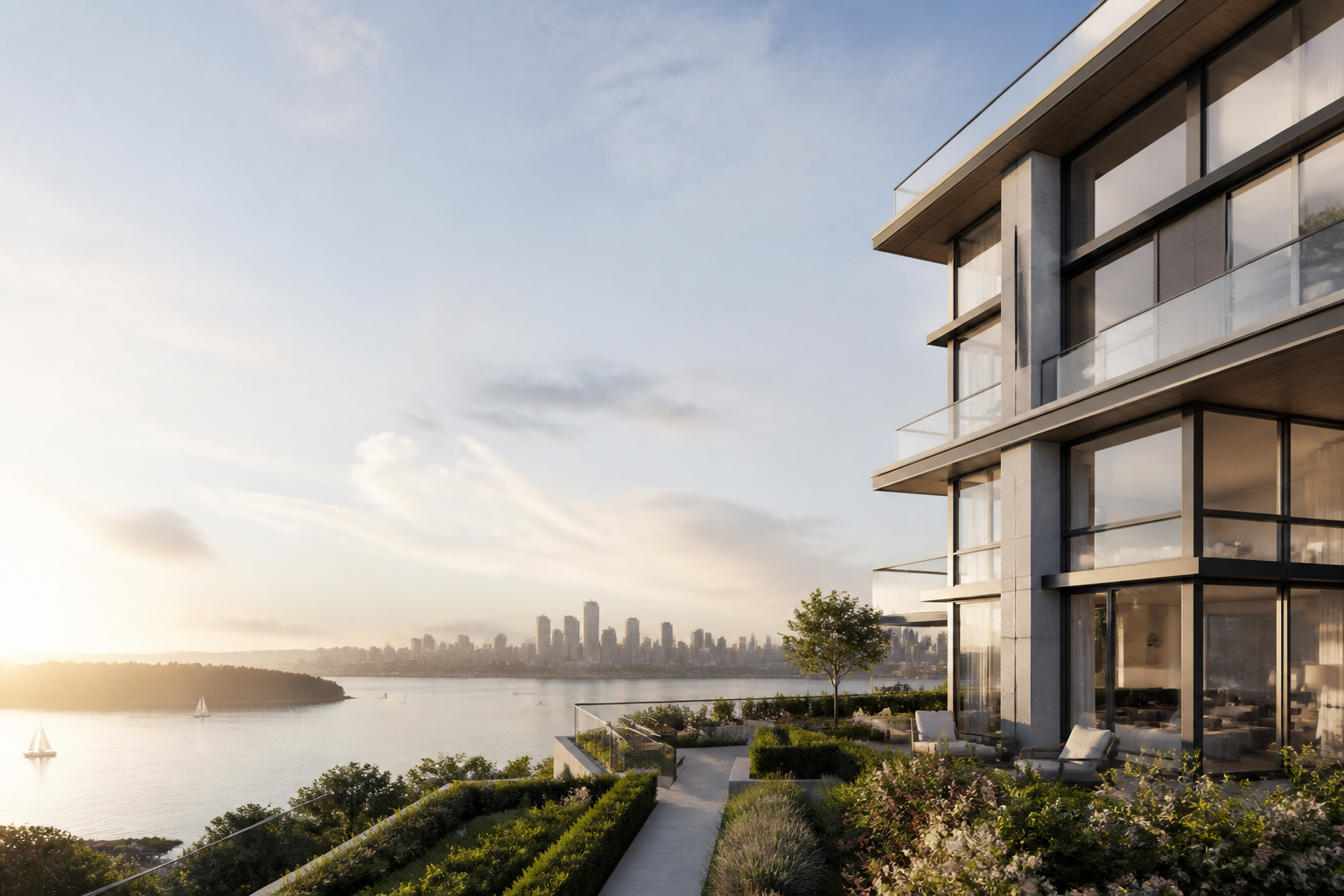
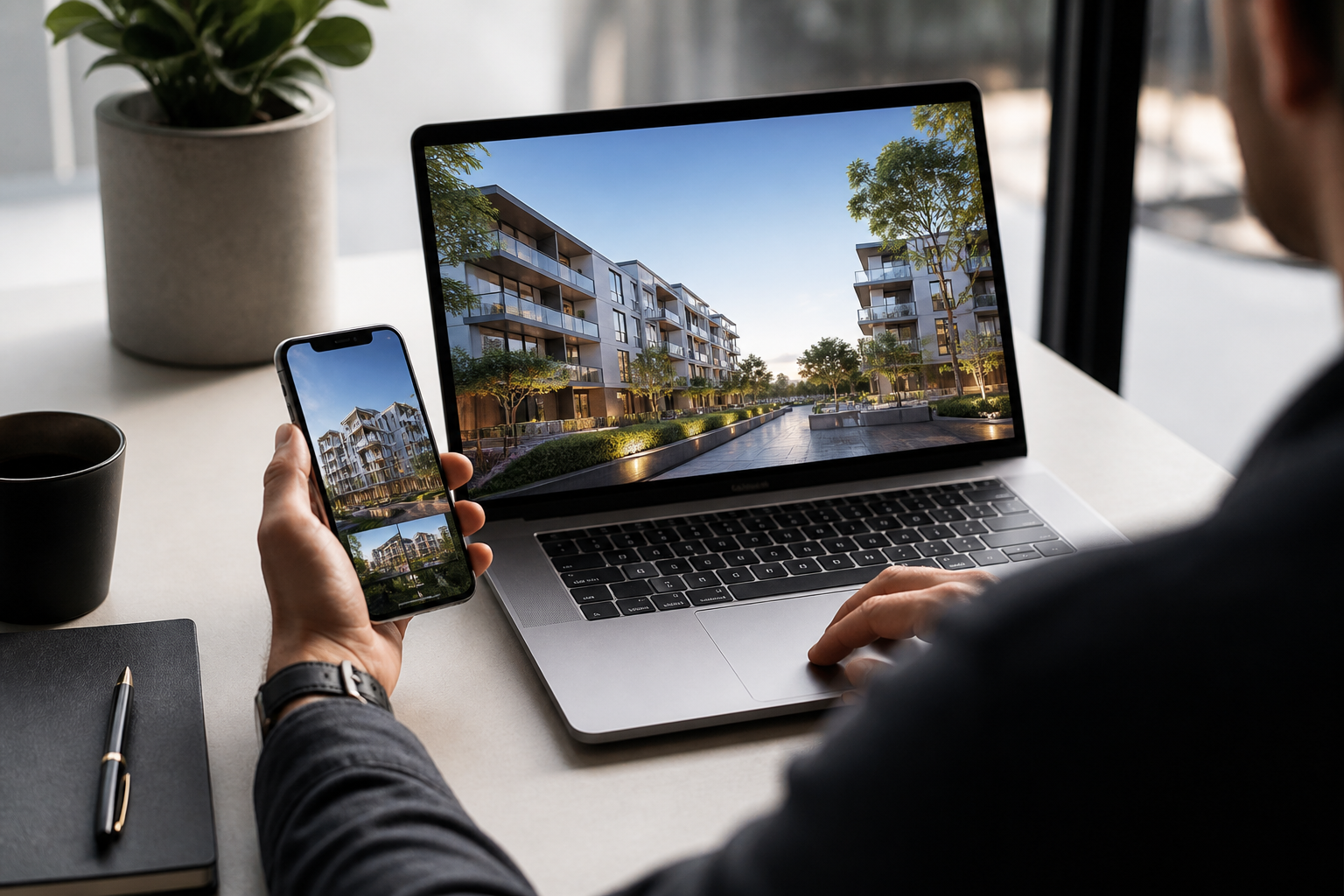
The hero visual should support the message, not compete with it. A polished exterior render can establish architecture and scale. An interior image can make the lifestyle more tangible. An aerial view can explain the relationship between the project and its surroundings. A short video can work when it adds movement or atmosphere without slowing the page.
The correct question is not “Should we use an image or video?” It is “What should the visitor understand from this visual?”
For a design-led tower, the visual may communicate material quality and skyline position. For a family-oriented community, it may show landscape, pathways, and shared spaces. For an investment-oriented launch, an aerial or contextual view may make the location logic more apparent.
The visual also needs a performance plan. Compress large images, define dimensions to avoid layout shifts, and provide a meaningful poster image when video is used. A slow hero undermines the premium impression it was intended to create.
3. State a specific value proposition
The positioning line should combine the project, the place, and the reason the visitor should continue. It does not need to explain the entire development. It needs to make the next scroll feel worthwhile.
Compare the difference:
- “A new standard of elevated living.”
- “Waterfront condominiums with direct access to a landscaped promenade and downtown transit.”
The first line could belong to almost any project. The second gives the buyer something concrete to evaluate. Specificity is especially important when paid media sends visitors to the page. The headline should continue the promise that brought them there rather than forcing them to re-orient.
MARKETIKA's project website guidance makes the same point: a project site should attract the right audience, answer important questions quickly, and move serious interest toward a low-friction next step. That requires a message that is clear before it is clever.
4. Choose one primary next step
A hero section usually works best with one dominant CTA and, if necessary, one secondary path. The right action depends on project stage and audience:
- Explore the project for early awareness and high-consideration launches.
- View residences when product detail is ready.
- Check availability when the inventory layer is current.
- Request pricing when qualification matters.
- Book a presentation for premium or consultative sales journeys.
- Talk to sales when the visitor is likely to need a direct answer.
The label should describe the value of the action. “Submit” tells the user nothing. “Get the current availability list” sets a clearer expectation. If the button opens a form, add concise microcopy about what happens next, such as the expected response time or the information the sales team will provide.
Do not make every audience take the same step. A buyer who is still learning may prefer a project overview. A returning visitor may want a unit selector or pricing. The interface can support those paths lower on the page, but the first screen needs a clear default.
5. Add trust without making the hero busy
Trust cues should reduce uncertainty, not turn the hero into a badge wall. Depending on the project, a concise proof point may include the developer name, architect, delivery status, relevant registration, a delivered-project reference, or a clear statement about what the enquiry includes.
Use only claims that can be verified. “Award-winning” means little without the award, year, and recipient. “Limited availability” should reflect a real release condition rather than manufactured urgency. If pricing, timelines, ownership rules, or delivery information are important to the decision, make sure the page provides a clear route to accurate details.
For a developer with a broader portfolio, a restrained link to delivered projects can be more persuasive than a generic credibility statement. The MARKETIKA project portfolio is a useful example of how project websites, developer work, and interactive experiences can be organized as evidence rather than presented as empty claims.
6. Design the first screen for mobile first
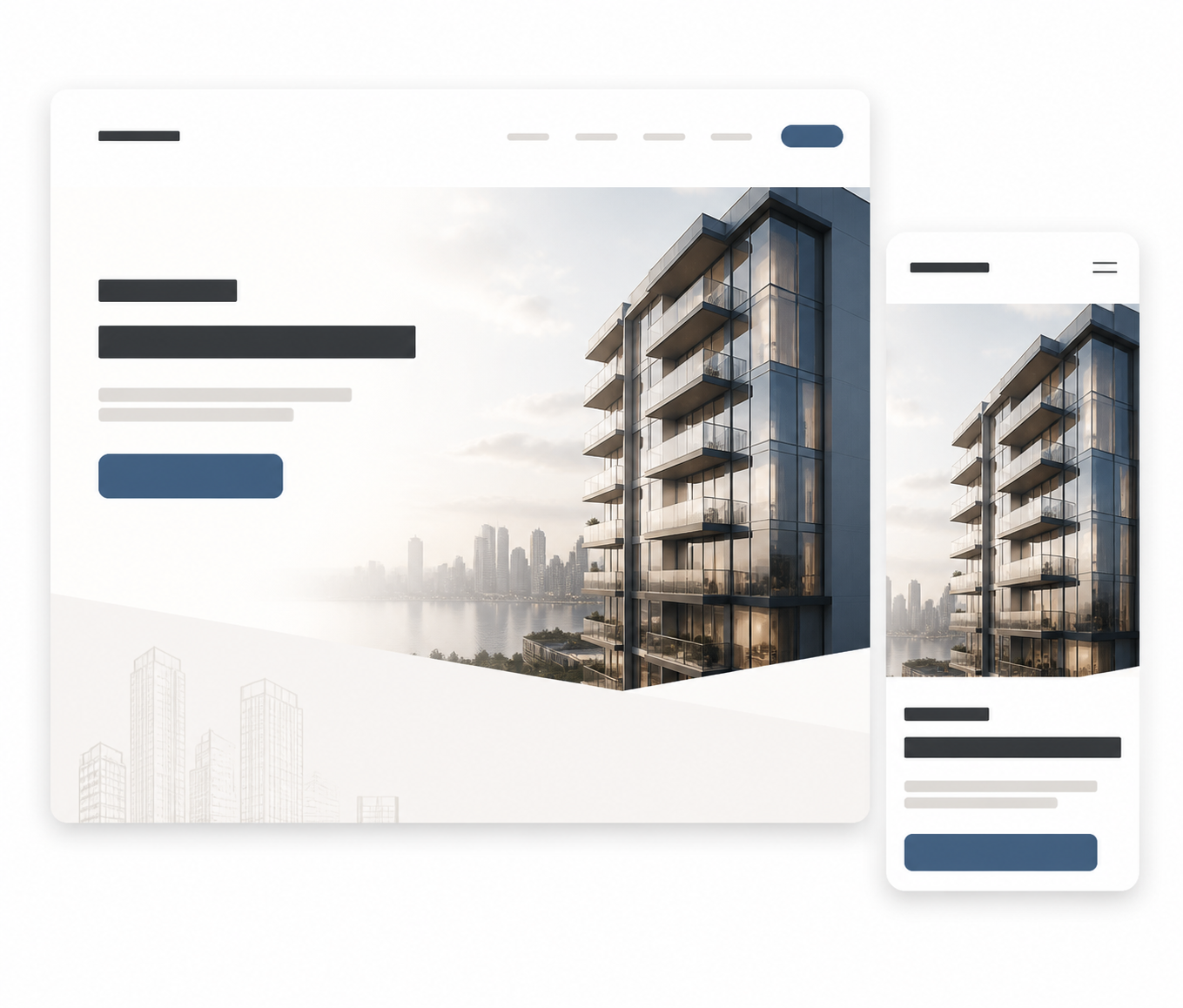
The 2025 NAR report found that 70% of U.S. buyers used mobile or tablet devices during their search. That statistic should not be treated as a universal forecast for every region, but it is a strong reminder that desktop composition cannot be the starting point for a modern project site.
On mobile, the hero must survive a smaller viewport, thumb interaction, variable connection quality, and more limited attention. Prioritize:
- A headline that remains specific in two or three lines.
- A readable location line near the project name.
- One thumb-friendly primary CTA.
- A visual crop that still identifies the asset.
- A visible cue that more information is available below.
- A sticky or easily reachable contact path where the sales model requires it.
Google's mobile-first indexing documentation explains that Google primarily uses the mobile version of a site for indexing and ranking. The mobile page therefore needs equivalent core content, not a reduced version that hides the project explanation or key product details.
Performance is part of the first impression
A premium visual that takes too long to load is not creating a premium experience. It is delaying the moment when the visitor can understand the project.
Google's Core Web Vitals guidance recommends a good LCP within 2.5 seconds, INP below 200 milliseconds, and CLS below 0.1. Developers should use these as practical baselines alongside real-device testing, not as a substitute for observing actual buyers.
For a project website, performance work often starts with the hero:
- Export images in modern, appropriately sized formats.
- Preload or prioritize the main visual without loading every below-the-fold asset at once.
- Reserve image space so the headline and CTA do not jump while media loads.
- Defer non-essential scripts, embeds, and animation libraries.
- Test on mid-range phones and variable mobile connections.
- Use field data after launch, not just a desktop lab score.
The same discipline should apply to interactive maps, unit selectors, and video galleries further down the page. Technology should deepen understanding without making the first interaction fragile.
Use the first screen to earn the next scroll
The hero is only successful if the page that follows delivers on its promise. A visitor who clicks “Explore the project” should encounter a logical continuation, not a random sequence of images.
A practical page sequence might be:
- Hero with project, location, positioning, and primary action.
- Short explanation of the concept or differentiator.
- Location and connectivity with useful context.
- Residences, floorplans, or unit types.
- Amenities and lifestyle, connected to the way the project is organized.
- Developer proof, delivery information, and relevant reassurance.
- Pricing, payment-plan guidance, or availability where appropriate.
- FAQs and a clear final enquiry path.
This order can change by project. A luxury branded residence may need more atmosphere before product detail. A paid landing page may need a shorter path to a form. The principle is consistent: each section should answer a question raised by the previous one.
MARKETIKA's minimalist real estate website design perspective is useful here. Minimalism is not the removal of information. It is the removal of noise so that product, location, proof, and action are easier to absorb.
Should price appear above the fold?
There is no universal answer. Include a starting price when it is accurate, commercially useful, and unlikely to mislead visitors about the available product. A price can help buyers self-qualify, especially when the campaign targets a defined segment.
Keep it lower on the page or behind a request-pricing path when pricing changes frequently, multiple unit types have different conditions, or the sales process requires a more complete explanation. In that case, the CTA should make the exchange clear: “Request current pricing and availability” is more transparent than a vague contact button.
Whatever the choice, do not hide essential qualification information behind a visual trick. A premium experience can still be direct.
Adapt the first screen to the market and channel
The same project can require different emphasis depending on where the visitor comes from.
- UAE and KSA: WhatsApp, click-to-call, language options, payment-plan context, and fast sales response may deserve visible support. The first screen should still explain the project before asking for contact.
- USA: New development pages may need clear product type, neighbourhood context, broker or sales representation, and a straightforward path to availability or a presentation.
- Canada: Pre-construction buyers often need clarity around timelines, deposits, amenities, transit, unit types, and what is included. Avoid borrowing off-plan language when pre-construction is the more natural local term.
These are not rigid templates. They are prompts for aligning the first screen with buyer expectations and the actual sales operation behind the website.
Test the hero as a decision, not as a screenshot
Reviewing a static desktop mockup is not enough. Test whether a visitor can understand the page and act on it.
Ask five people who were not involved in the project to look at the first screen for five seconds. Then ask:
- What is the project?
- Where is it?
- Who is it for?
- What would you click next?
- What information is still missing?
Then test the live page on mobile, with the real hero asset, the real form, and the real tracking. Measure CTA interaction, scroll depth, form starts, completed enquiries, and the quality of the leads that follow. A different hero may increase clicks but reduce qualified conversations. The goal is not the loudest first screen; it is a clearer path to a useful next step.
The MARKETIKA real estate project website checklist recommends reviewing first-screen clarity, page structure, product explanation, trust signals, CTA logic, mobile usability, and CRM readiness together. That sequence prevents a polished hero from hiding a weak sales handoff.
Common above-the-fold mistakes
Leading with a project name that explains nothing. Recognition is not the same as clarity.
Using generic lifestyle copy. If the visitor cannot tell what is being offered, the visual has to carry too much weight.
Adding several equal CTAs. Too much choice makes the next step less obvious.
Starting with a slow video. A strong static poster is better than an impressive clip that delays the page.
Hiding the location. Buyers use location as an early filter. Make it visible.
Treating mobile as a later adaptation. A desktop hero that collapses badly is not a responsive strategy.
Promising details the page does not support. If the hero mentions views, pricing, delivery, or availability, the rest of the page should explain them.
Frequently asked questions
How much content should be above the fold?
Enough to establish the project, location, value, and next step. The first screen should not contain every feature, payment detail, or legal note. It should create a clear reason to continue.
Is video better than a static render?
Only when it adds meaningful context and loads reliably. A well-composed architectural image is often the better choice when speed, clarity, or mobile performance is more important than motion.
How many CTAs should the hero have?
Usually one primary action and, at most, one secondary action. The primary CTA should reflect the most useful next step for the project's stage and audience.
Should a project website show the full navigation above the fold?
That depends on whether the page is a full project website or a focused campaign landing page. Full websites need enough navigation for orientation. Campaign pages may reduce competing exits, but they should never make important information inaccessible.
What should developers review first if the hero underperforms?
Start with message clarity, location visibility, CTA purpose, mobile layout, hero performance, and the match between the acquisition message and the landing page. Then inspect what happens after the click or form submission.
Final takeaway
The first screen of a real estate project website should make the project easy to place, easy to understand, and easy to continue exploring. Show the right visual, name the location, state a specific value, offer one clear next step, and support the promise with a fast mobile experience. The rest of the page can build desire and confidence, but the hero earns the opportunity to be seen.