


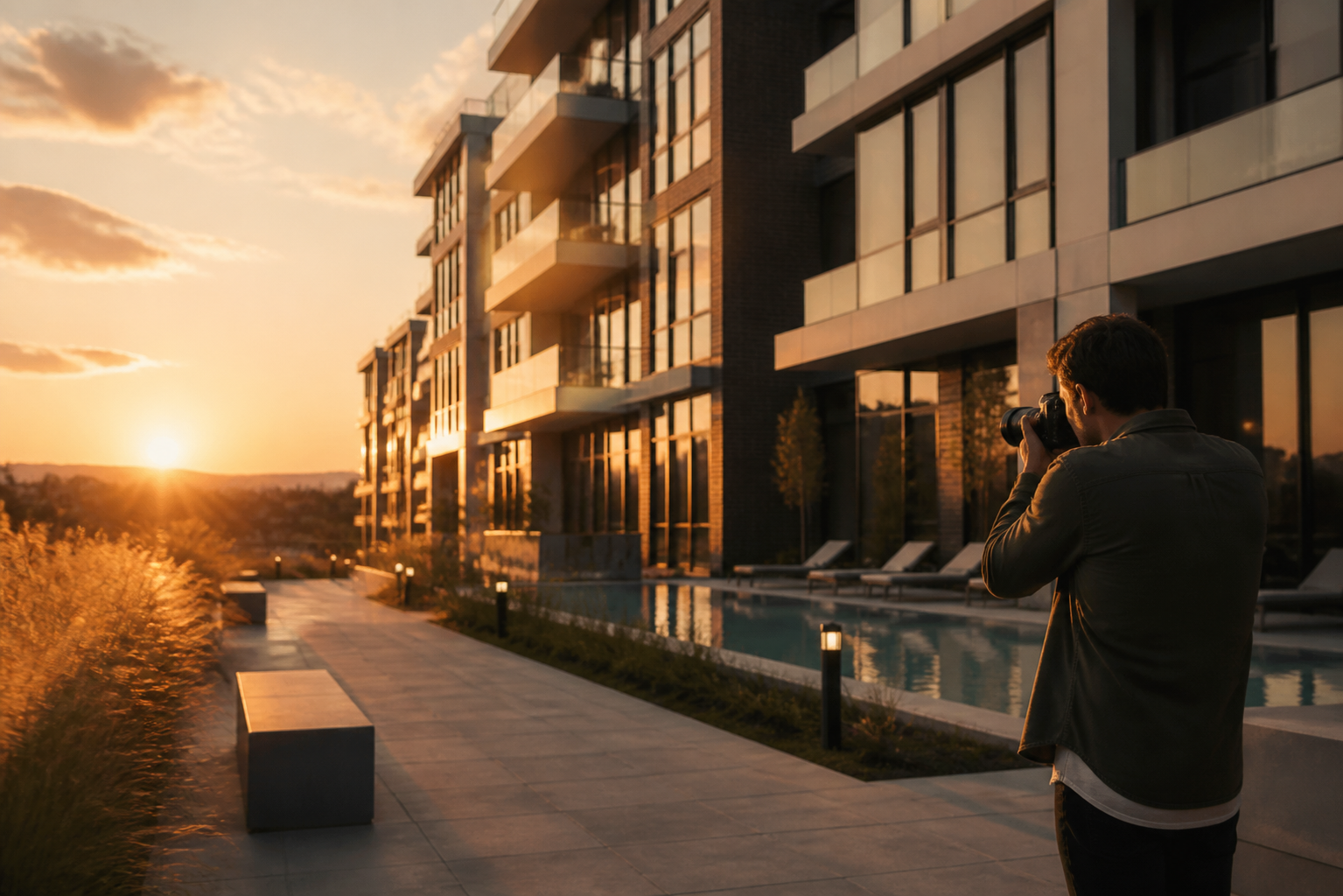
Direct answer: Developers should begin replacing CGI with real photography as soon as the finished project can be shown accurately, safely, and attractively. The transition should happen in stages, starting with completed exteriors, amenities, and representative interiors, while renders remain where construction is incomplete or a future condition cannot yet be photographed. CGI sells the promise. Photography proves what was delivered.
This is not a choice between a futuristic render and a realistic photograph. Each visual has a different job in the buyer journey. A render helps people imagine a building that does not exist yet. A photograph reduces uncertainty about a building that does. The website, sales deck, advertising, and social channels should evolve when the project moves from one stage to the next.
CGI and photography answer different buyer questions
A render answers: What could this become?
A photograph answers: What is here now?
A floorplan answers: How does it work?
A video or interactive tour answers: How does it feel to move through it?
Problems begin when one visual is asked to perform another visual’s role. Keeping renders after a project is visibly complete can make the developer appear less transparent. Replacing every render too early can leave future phases, unavailable unit types, or unbuilt interiors without a useful representation.
The shift to photography is also part of a broader change in real estate marketing. The 2025 REALTOR® Technology Survey from the National Association of REALTORS® lists social media and drone photography or video among widely used technologies in the profession. The survey is focused on US real estate professionals, so it is not a universal benchmark for developers in the UAE, Canada, or elsewhere. It does show that visual media is not an optional finishing touch. It is part of how agents and buyers understand a property.
Use a staged replacement, not a single switch
A completed development rarely becomes photographable overnight. Landscaping may finish after the building opens. Amenity furniture may arrive in stages. A show suite may represent one layout while other unit types remain unoccupied. A strong visual system therefore uses a hybrid period deliberately.
Stage one: replace proof-critical images
Start with the visuals that carry the greatest credibility burden:
- Exterior arrival and main facade.
- Lobby, reception, and primary amenity spaces.
- Completed landscaping and public realm.
- Representative finished interiors.
- Views that were central to the sales promise.
These images answer whether the project exists and whether the experience matches the original story.
Stage two: replace high-traffic conversion assets
Review the project website, paid campaigns, listing pages, email templates, broker decks, and social profiles. Replace the images that receive the most exposure or sit closest to a lead form. A finished amenity photograph on a high-intent page can reduce more uncertainty than a full gallery update buried in a secondary section.
Stage three: retain useful CGI where it still adds information
Keep renders for future phases, unbuilt unit types, alternative furnishing schemes, private residences that are not available for photography, or views that cannot be captured safely. Label the image clearly so the viewer understands whether it shows a completed condition, a proposed condition, or an illustrative interior.
What should be replaced first?
Exterior and arrival
A completed exterior is often the clearest proof that the development has moved from promise to reality. Photograph the approach, street relationship, entrance, facade materials, lighting, and landscape. Do not rely on a single hero angle. Buyers may be evaluating how the building sits in its setting, not just how it looks from the most flattering viewpoint.
Amenities
Amenities are especially important when they were central to the original positioning. A pool, gym, lounge, co-working space, rooftop, or children’s area should be shown as it exists, including the material quality and the relationship between spaces. Use photography to communicate atmosphere, but do not hide practical details that shape expectations.
Interiors and show suites
Finished apartments, model units, common corridors, kitchens, bathrooms, and storage areas can gradually replace their rendered equivalents. Identify which images show a representative unit and which show a specific furnished suite. This distinction matters when finishes, views, dimensions, or furniture packages vary.
Views and neighbourhood context
If outlook or proximity was a core part of the sales story, capture it honestly. A real view can be more valuable than a perfectly composed render because it lets the buyer judge distance, scale, light, and seasonality. Include contextual images when they help explain the project’s relationship to parks, transit, waterfronts, retail, or city landmarks.
Use a readiness test before commissioning the shoot
A project is ready for real photography when most of the following are true:
- The space is physically complete enough to represent the delivered experience.
- Cleaning, styling, landscaping, and lighting are at an acceptable presentation standard.
- Access and safety conditions allow the production team to work without disrupting residents or staff.
- The developer has confirmed which finishes, furniture, fixtures, and views are final.
- The legal, sales, and development teams agree on what can be shown and how it should be described.
- The images will not create a false impression about unit type, size, availability, or future phases.
- There is a plan for updating the website and sales materials after delivery.
If the space is technically complete but visually unfinished, schedule the shoot in waves. It is usually better to publish three truthful, well-produced photographs than twenty images that make the project look rushed.
Keep renders where reality cannot yet speak
Renders remain useful after completion. They can show a future tower, a later phase, a unit type that is not staged, or a design option that cannot be photographed from one completed space. They can also support comparison and orientation when the original image explains an architectural intention more clearly than a photograph.
The key is disclosure. Use captions such as “artist’s impression,” “proposed interior,” or “future phase visualization” where appropriate. Keep the caption close to the image rather than hiding it in a general disclaimer. A hybrid gallery can be coherent when each image has a clear status.
Do not use a render to imply a delivered feature that does not exist. If the landscaping, amenity, view, or finish has changed, update the visual story. An accurate photograph of a simpler delivered condition is more valuable than an impressive image that creates a dispute later.
Design an image system around buyer questions
A strong image library is not simply a folder of attractive pictures. Map each asset to the question it answers.
- Renders: future vision, massing, design intent, unbuilt phases.
- Photography: delivered materials, atmosphere, scale, maintenance, lived reality.
- Floorplans: circulation, furniture fit, dimensions, unit comparison.
- Video: movement, arrival sequence, views, amenities, neighbourhood context.
- Interactive 3D: exploration of units or spaces that need more than a static frame.
This approach helps the team decide what to replace and what to retain. It also makes the website more useful because the buyer receives different kinds of information rather than the same promise repeated in different formats.
Research on real estate imagery supports a careful, not simplistic, approach. A peer-reviewed study on property price, time on market, and photo depictions found relationships between the number of listing photographs and market outcomes, but the findings are context-specific and do not mean that more images automatically create better results. A later study on virtual marketing strategies and the price-to-time-on-market relationship likewise shows why visual tools should be evaluated in context rather than treated as guaranteed sales levers.
Make the hybrid period feel intentional
A mixed library of renders and photographs can look inconsistent if it is not art-directed. Create a simple visual system:
- Use consistent aspect ratios and crop logic.
- Keep colour treatment restrained so renders and photographs do not compete.
- Add concise, visible labels for proposed or illustrative images.
- Show dates when construction stage or season matters.
- Group images by space, phase, or status.
- Avoid placing a highly polished render beside a documentary photograph without explaining the difference.
- Review old campaign pages and broker PDFs, not only the main website.
The goal is not to make every image look artificially identical. The goal is to make the difference in image type understandable and the overall brand experience coherent.
Treat photography as an operating asset, not a launch expense
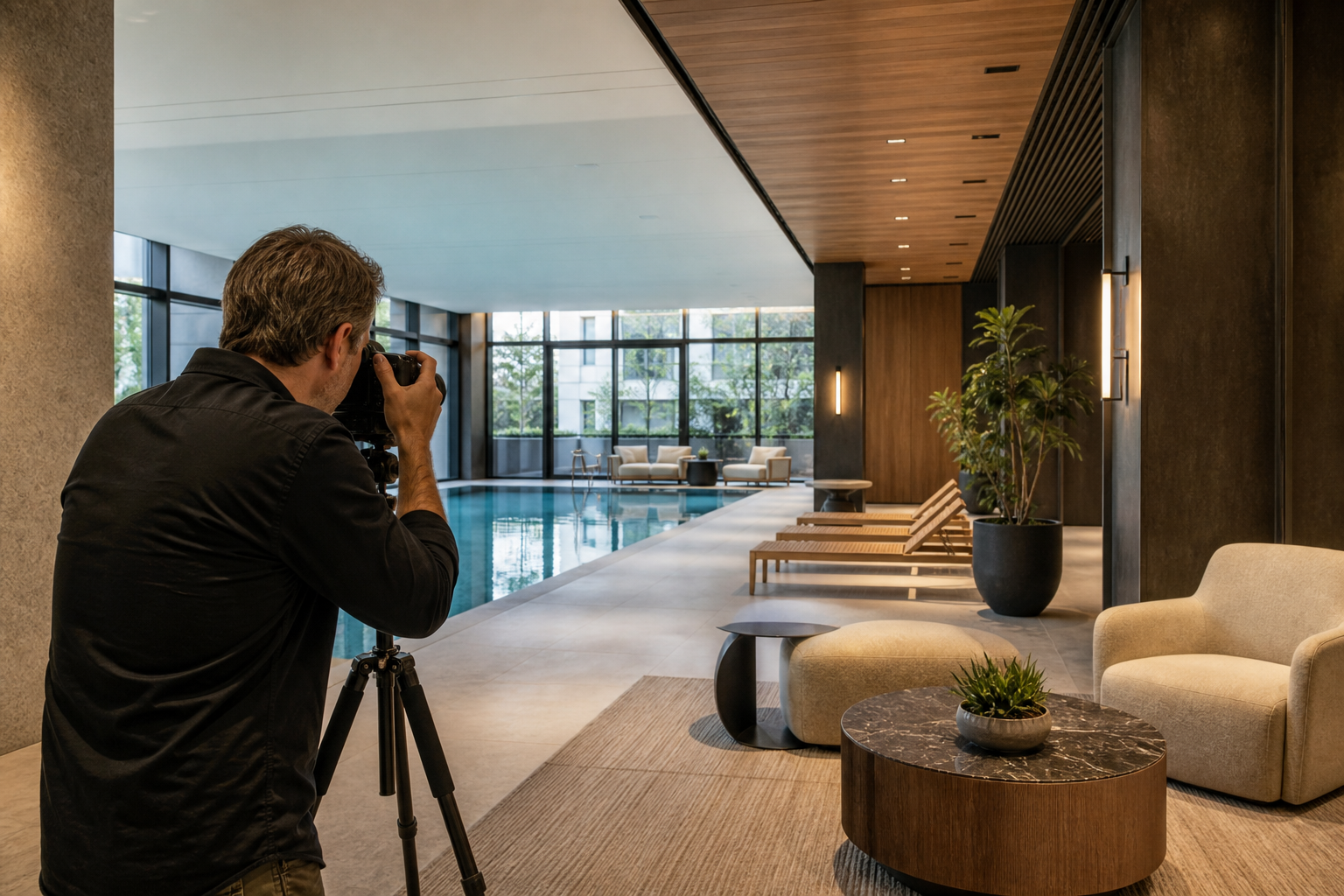
Real photography has value after the initial sales campaign. It can support remaining inventory, leasing, resale, resident communications, investor reporting, hospitality partnerships, recruitment, public relations, and the developer’s long-term reputation.
Plan for a library rather than one shoot. A first session may cover the exterior and the most important amenities. A second session can capture seasonal landscaping, occupied or styled spaces, and new delivery milestones. If the project serves multiple markets, produce crops and formats for websites, presentations, social media, advertising, and broker use.
The MARKETIKA expertise in photo rendering, 3D modeling, video rendering, web design, and interactive 3D experiences reflects the broader need to manage visual communication across the full project lifecycle. For a developer, the question is not whether CGI or photography is better in the abstract. It is which visual is most truthful and useful at each stage.
A practical production brief
Before the photographer arrives, prepare:
- A priority list of spaces and buyer questions.
- A plan showing which images replace existing renders.
- A list of claims that need visual proof.
- Confirmed access times, permits, safety requirements, and privacy limits.
- Approved styling, cleaning, landscaping, and furniture direction.
- A shot list for horizontal, vertical, square, and detail crops.
- A naming convention that identifies phase, space, date, and status.
- A delivery plan for the website, CRM, broker portal, campaigns, and archive.
After delivery, ask sales teams what buyer objections the new images help answer. Use analytics to compare qualified engagement and lead quality rather than focusing only on impressions.
Frequently asked questions
Should old renders be deleted completely?
Not necessarily. Keep them when they explain a future phase, an unbuilt unit type, a design intention, or a historical campaign. Retire them from high-intent pages when they can be mistaken for current reality, and label them wherever they remain visible.
Does photography need to match the original CGI composition?
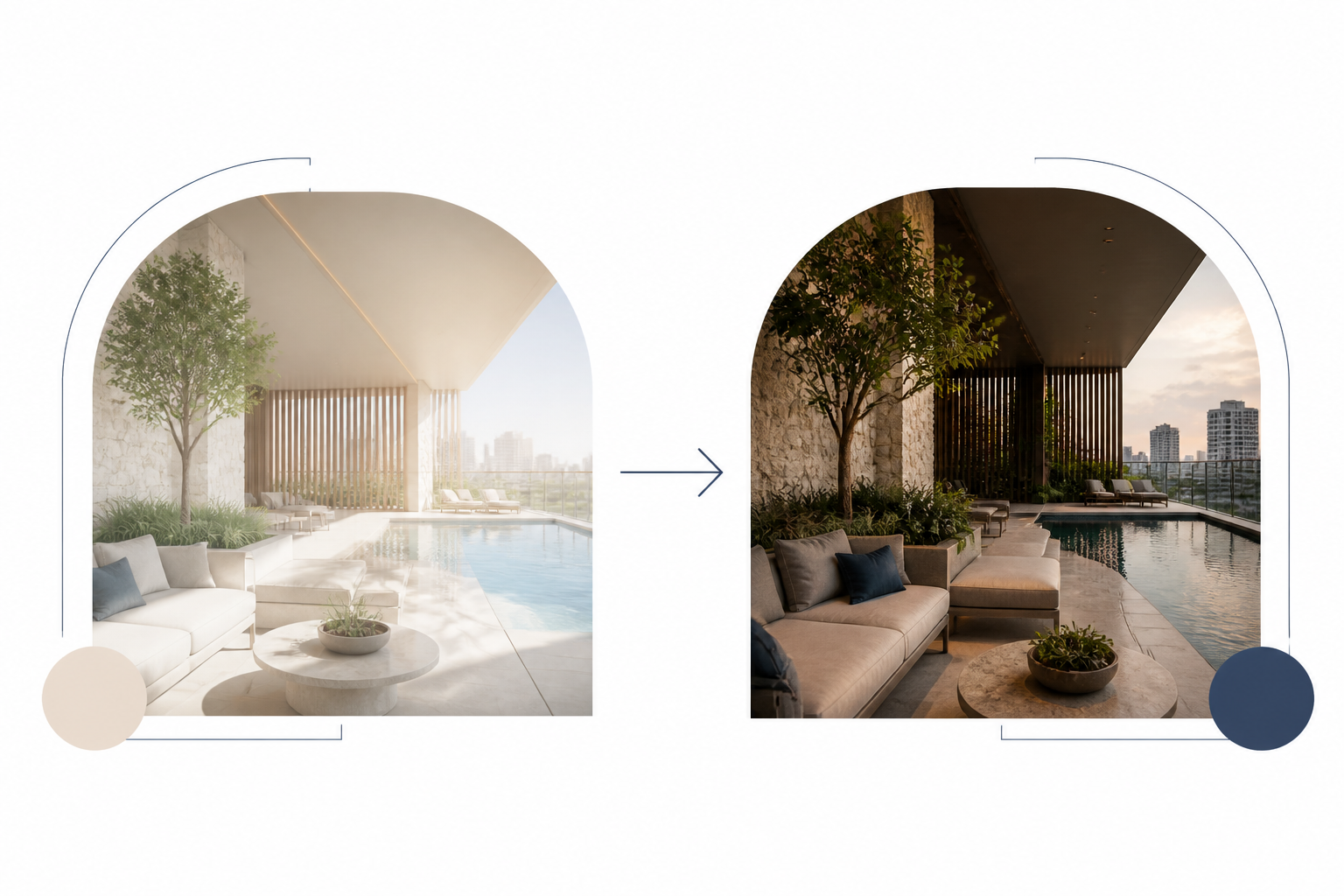
A matching viewpoint can be powerful for before-and-after storytelling, but it is not mandatory. The priority is an accurate, well-composed photograph that shows the delivered experience. A comparison pair is most useful when the original claim or design feature is important to the buyer.
Can real photography help after completion?
Yes. It can support remaining inventory, leasing, resale, referrals, media, and developer-brand credibility. Real images also give sales and customer-service teams a more accurate reference when explaining the building to people who cannot visit immediately.
What if the finished project does not match the render?
Show the delivered condition honestly and update the copy around it. If a material change is significant, review all public and partner-facing claims. Trust is built by reducing the gap between what was shown and what exists, not by extending the life of an outdated image.
Final takeaway
CGI helps buyers imagine the promise. Photography proves the promise was delivered. Developers should start the transition as soon as important spaces are complete and can be shown truthfully, while keeping renders for future, illustrative, or unphotographable conditions.
A staged visual system gives the website and sales team the right evidence at the right time. It also helps the project keep working after launch, when a real building, real materials, and real experience become the strongest marketing assets available.